from Excel in Seconds
Stop generating QR codes one by one. Import your spreadsheet, pick a template, and print.
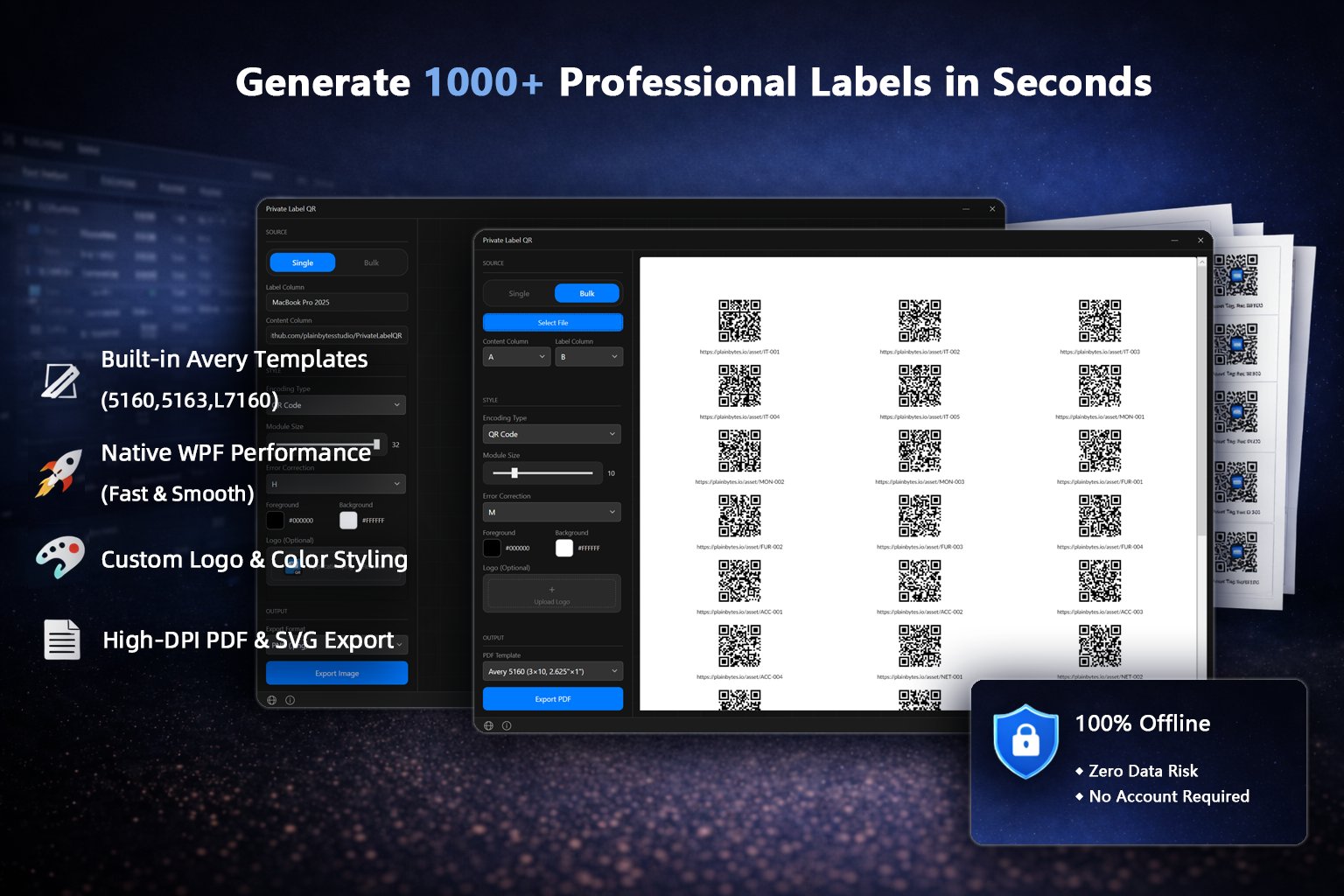
A clean, focused interface built for speed — not complexity.
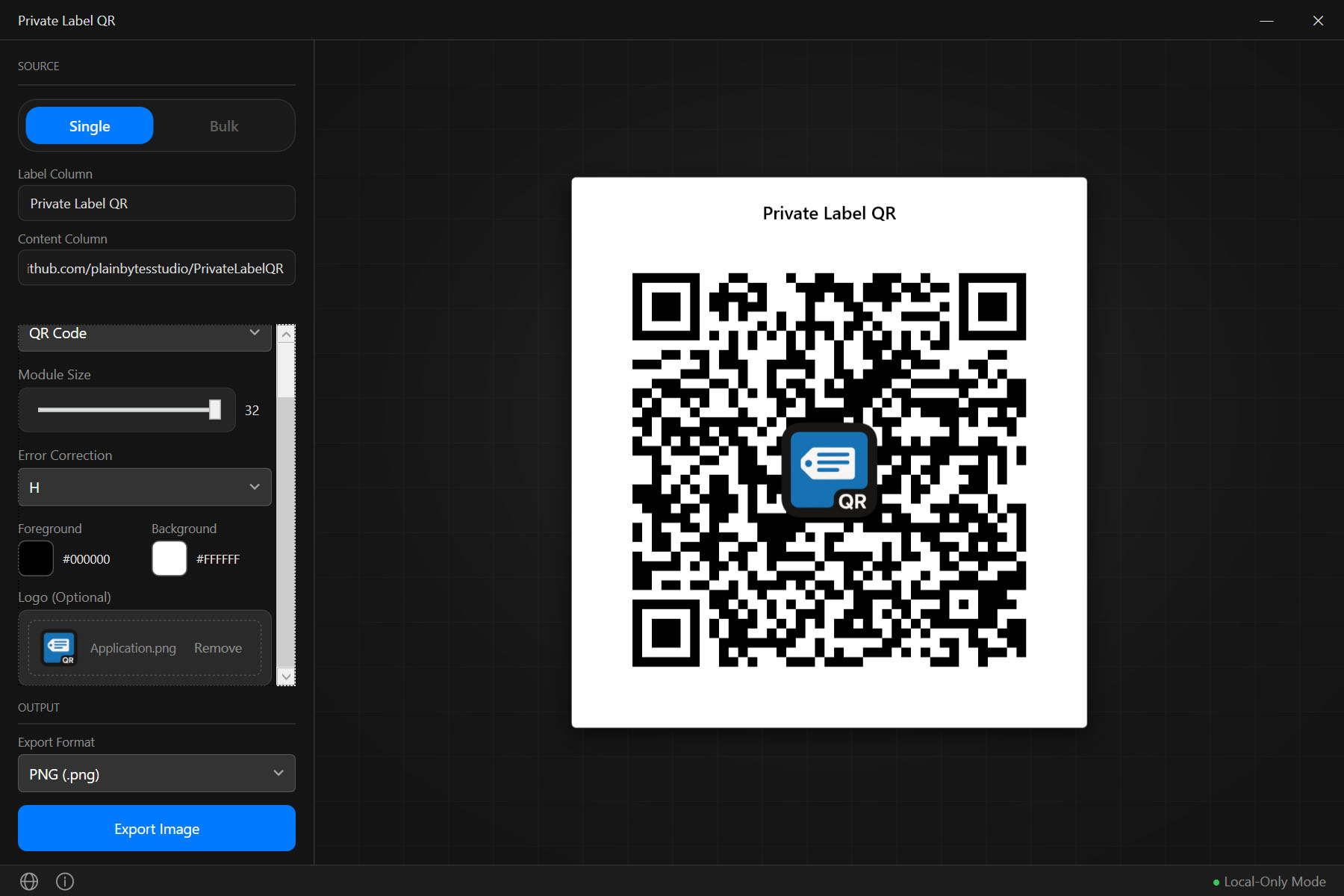
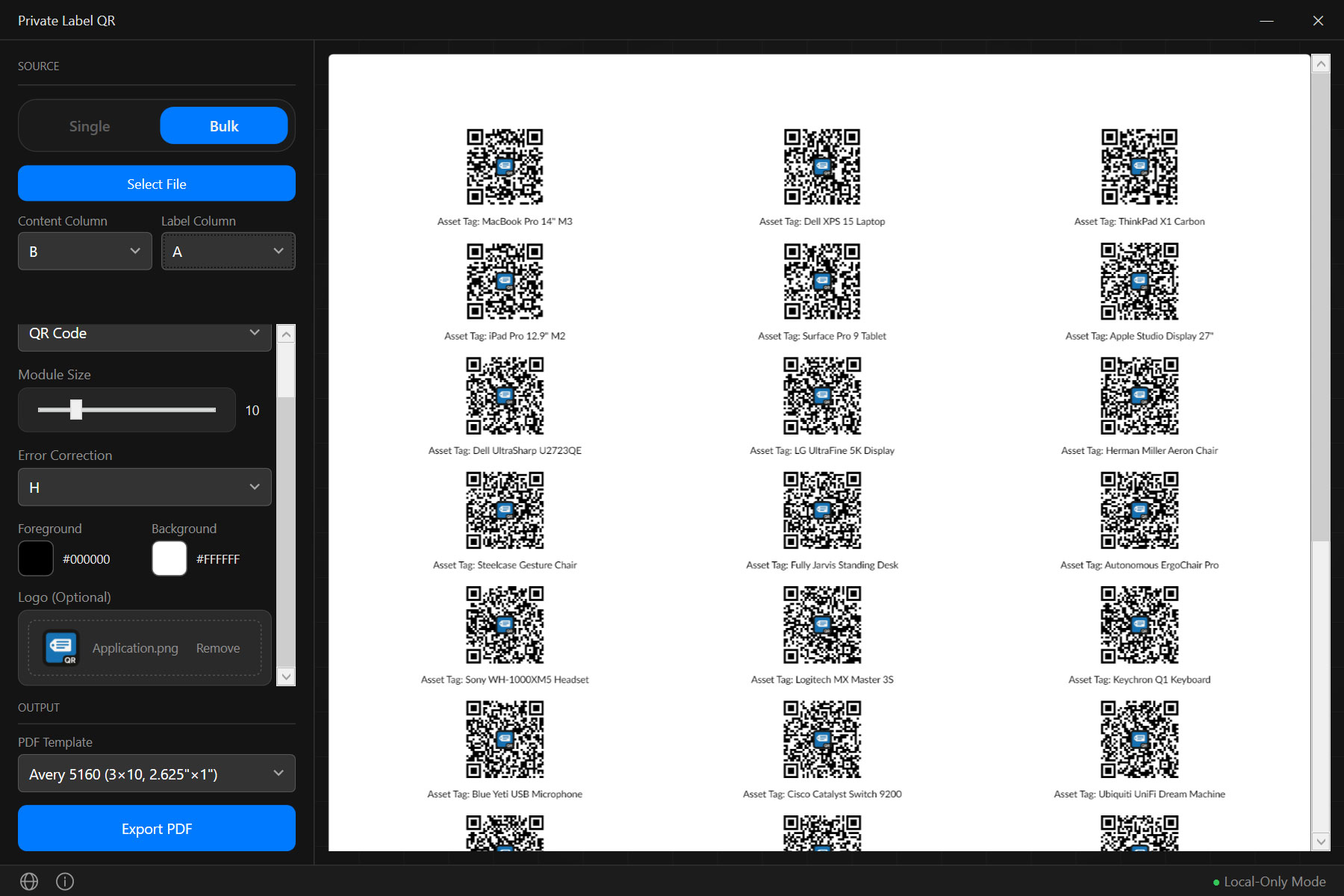
One tool covers all your labeling needs.
Create 1,000 QR labels from Excel in seconds.
Generate industrial barcodes for your whole warehouse.
Turn spreadsheets into perfectly aligned Avery labels.
From spreadsheet to printed labels in four steps.
Drag-drop Excel or CSV file
QR Code, Code 128, or EAN-13
Print-ready PDF with Avery templates
Send to any standard printer
No bloat. No learning curve. Just results.
Compared to what you're probably using now.
| Online QR tools | Label software | Private Label QR | |
|---|---|---|---|
| Privacy | Data uploaded to servers | Varies | Fully offline |
| Bulk from Excel | Limited or paid | Complex setup | Drag-drop, one click |
| Cost | Free with watermarks | $50–$300 / year | 100% Free |
| Code types | QR only | Multiple | QR, Code 128, EAN-13 |
| Setup | Browser-based | 30+ min install | Unzip and run |
| 🌐 Language | English only | Varies | 5 languages |
| Internet | Required | Sometimes | Never |
| 📦 Distribution | Browser only | Installer | Microsoft Store & Portable ZIP |
Built for people who label things every day.
Shelf labels & bin codes
Equipment tags & serial numbers
Product barcodes from spreadsheets
Menus, packaging, event tickets
Bulk asset tags from CMDB exports
Private Label QR is 100% free — no limits, no watermarks, no hidden paywalls.
If it helps your business, consider giving us a ⭐ on GitHub.
Your data never leaves your computer. Period.
VirusTotal: 0 / 65 — Clean
Verified by Microsoft Defender, Kaspersky, BitDefender, Norton, ESET, and 60+ engines.
Choose your preferred installation method.
Auto-updates · Verified by Microsoft · Seamless install
1. Click the badge below
2. Install from Microsoft Store
3. Launch from Start Menu

The portable version is unsigned — Windows SmartScreen may warn on first launch. Click "More info" → "Run anyway". The Store version has no such warning.